
Your Tesla may have another job beyond getting you where you need to go: helping power your home during an outage.
Tesla Powershare allows compatible vehicles to use stored battery energy for home backup. For homeowners with solar panels and battery storage, it creates another way to keep essential appliances running when the grid goes down.
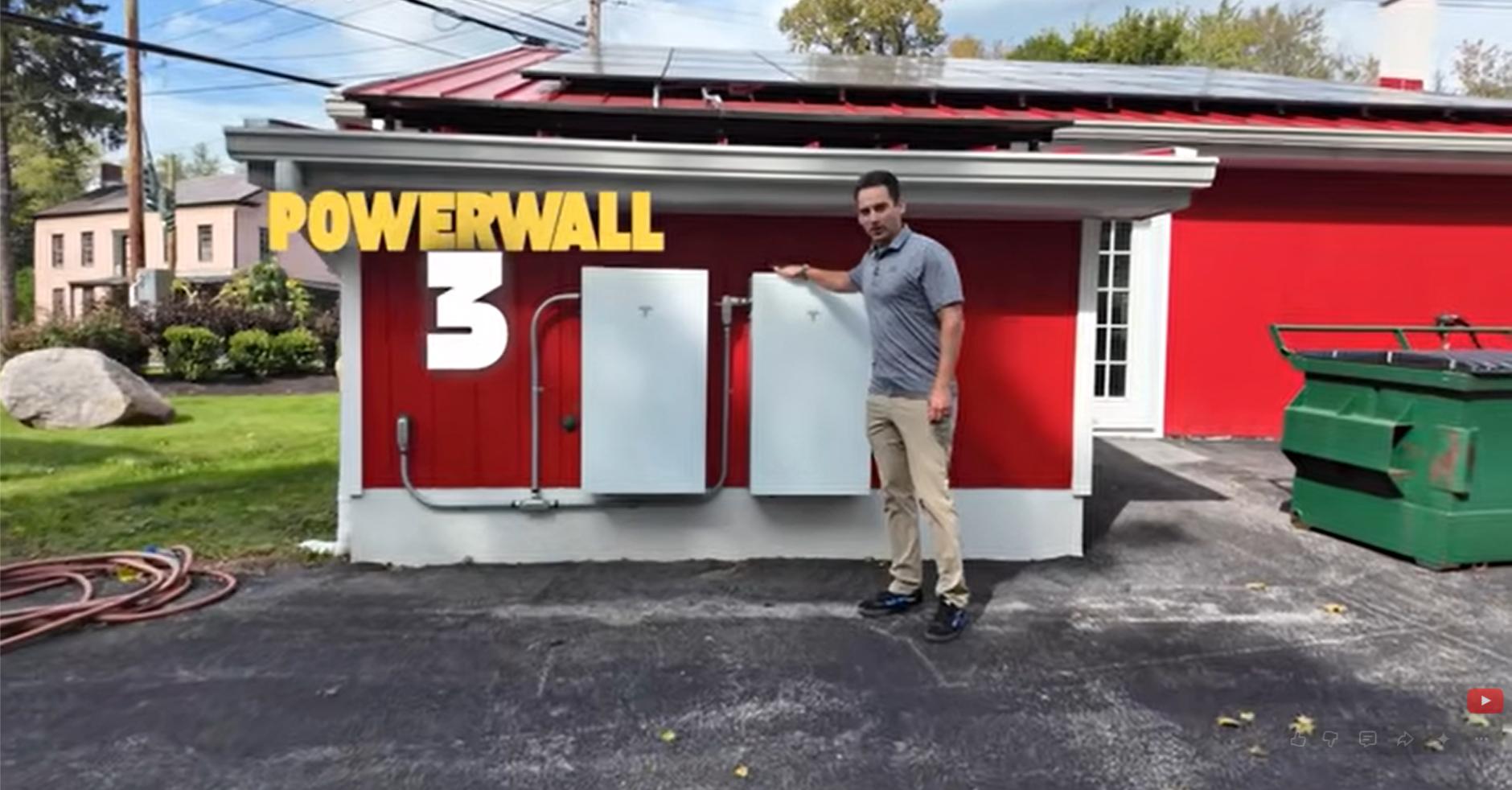
In our latest video, Anthony, owner of New York State Solar Farm, explains the Powershare update, how it connects with Powerwall, and why our team has been looking forward to this feature.
What Is Tesla Powershare?
Tesla Powershare lets a compatible Tesla vehicle supply energy to a properly equipped home during a power outage. With a compatible Powerwall system, the vehicle adds stored energy that can extend your home’s backup duration.
Think of it as another source of backup energy parked in your driveway. Instead of relying only on your home battery, your system can also draw on your vehicle’s battery when the equipment and settings support it.
Which Tesla Vehicles Support Powershare?
Powershare is available on Cybertruck and eligible Model 3 and Model Y vehicles.
Tesla currently states that Model 3 and Model Y vehicles ordered in the United States and Puerto Rico after October 1, 2026, are Powershare capable. Some earlier vehicles also qualify.
Owners can check compatibility under Software → Additional Vehicle Information on the vehicle touchscreen after installing the required software. Look for “Powershare Support: Enabled.” Eligibility should be checked for your specific vehicle rather than assumed from its model name alone.
How Does Tesla Powershare Work With Powerwall?
Powerwall stores energy at your home for use when you need it. Powershare adds access to energy stored in a compatible Tesla vehicle, extending backup during longer outages.
In the video, Anthony explains why this connection is such an exciting development: the vehicle’s battery can provide a substantial additional energy reserve beyond the Powerwall batteries already installed.
However, battery capacity does not translate into a guaranteed number of backup days. Your results depend on the vehicle’s charge, your backup settings, and how much electricity your home uses.
Anthony also makes clear that he had not personally tested the Powerwall-to-Cybertruck transition when filming. We’re looking forward to exploring that operation firsthand.
What Equipment Do You Need?
For a home with Powerwall, Tesla currently lists a compatible vehicle and either a Universal Wall Connector or Wall Connector 3. Equipment must be correctly connected, registered, paired, and enabled.
The video focuses on the Powerwall 3 rollout. If you have Powerwall 2 or Powerwall+, confirm current support for your installation before assuming the feature is available.
Updating your Tesla app and vehicle software matters, but updates alone do not make every home ready. Your electrical setup needs to support the feature too.
What Can Tesla Powershare Power During an Outage?
Depending on your system design, Powershare can support selected essentials or a whole-home backup configuration.
That may include lights, refrigeration, outlets, and certain larger appliances. The equipment you can run together depends on your system’s power limits and the demands of those appliances.
For Hudson Valley homeowners, identifying priorities is a useful first step. Keeping refrigeration, communications, and a well pump operating may matter more than running every appliance at once.
Planning Tesla Home Backup in the Hudson Valley
Powershare gives eligible Tesla owners another option to consider alongside solar panels and home battery storage.
Before getting started, confirm your vehicle’s compatibility, your Powerwall configuration, and whether your charging equipment is connected appropriately. As Anthony notes in the video, even the way chargers are arranged on electrical panels can affect installation planning.
Have questions about solar, Tesla Powerwall, or how Powershare could fit into your home energy setup? Contact New York State Solar Farm at BuySolarLocal.com to discuss your options.
Tesla features, compatibility, and software requirements can change. Confirm current eligibility for your vehicle and home before planning an installation.